Convenience
Control compatible devices without having to operate every switch or device individually.
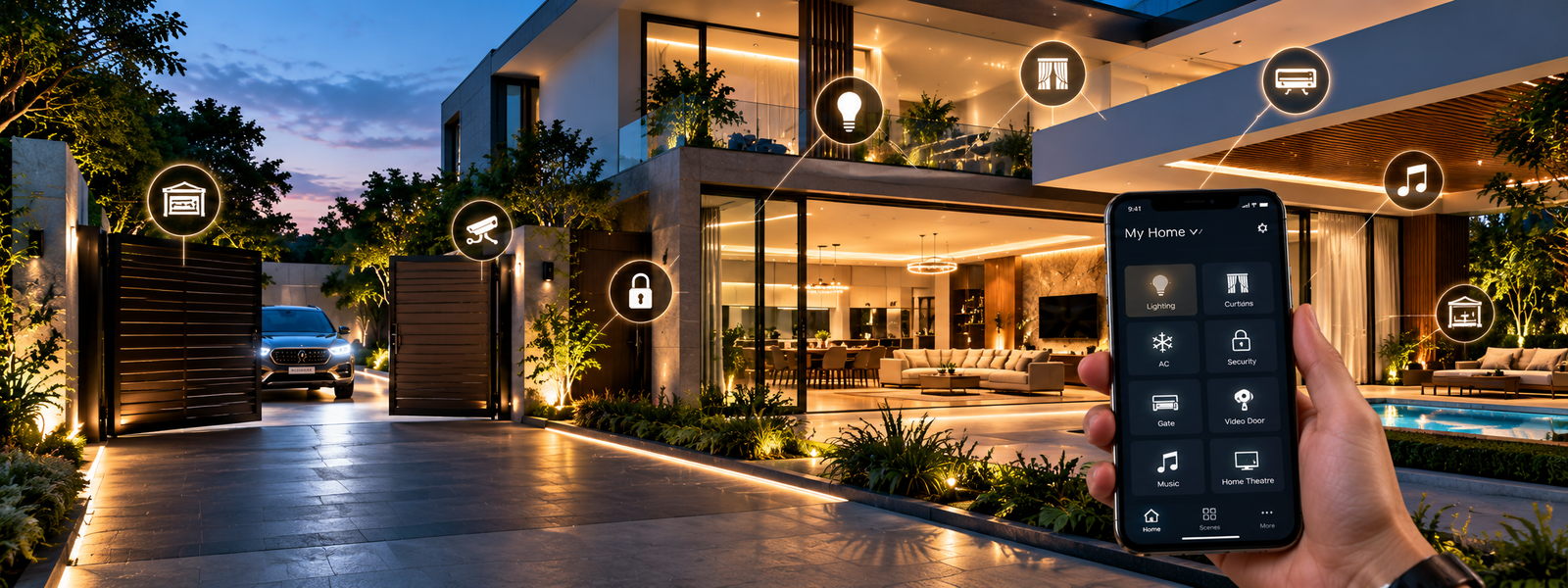
Transform Your Home Into a SmartStar Home
A smart home is more than controlling lights from your phone. It is about making everyday living more convenient, comfortable, secure and connected.
With SmartStar Home Automation, homeowners can bring lighting, curtains, security, access, entertainment and other compatible systems together into a more convenient living experience.
Whether you are moving into a new apartment, upgrading an existing home or designing a luxury villa, SmartStar can help you choose automation around your lifestyle, property and requirements.
Understand your requirements
Assess the property and technical requirements
Design a suitable solution
Recommend compatible products and functions
Install and configure the selected system
Demonstrate how to use it
Provide support according to applicable product/service terms
Control compatible devices without having to operate every switch or device individually.
Create scenes and routines around your daily lifestyle.
Use solutions such as digital locks, video door phones and access automation to improve convenience and awareness around your property.
Bring compatible lighting, curtains, access, entertainment and other systems together into a more connected environment.
Yes, depending on the solution. Many automation solutions can be introduced into existing homes, although the exact approach depends on the electrical wiring, switch boxes, network availability, door and curtain configuration, selected products and desired level of automation.
For a new home, automation can be considered during the electrical and interior planning stage. For an existing home, SmartStar can assess the property and recommend an appropriate approach.
No. You can start with one area and expand later, subject to compatibility.
Digital lock + smart lighting
Motorized curtains + video door phone
Gate automation + additional rooms
Complete home automation + entertainment
Depending on the selected system, compatible devices may be controlled through a smartphone application. The exact functions depend on the products and system architecture.
Voice control may be available when compatible devices are integrated with supported voice-assistant platforms. The exact functionality depends on the selected products and compatibility.
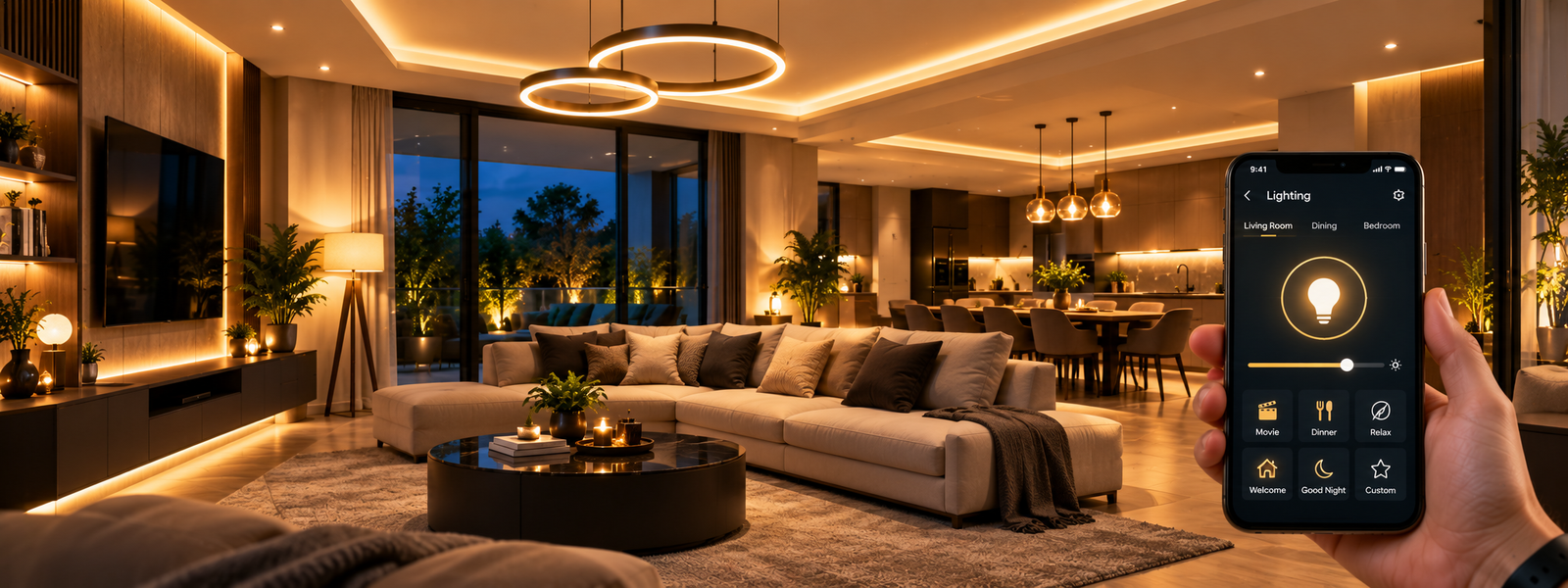
Smart lighting allows compatible lights and switches to be controlled through smart controls and, depending on the system, mobile applications, scenes, schedules or voice commands.
Selected lights can dim or switch off while other ambient lights remain active.
Dining and decorative lighting can be configured for a warmer ambience.
Selected lights can turn on as part of an arrival routine.
Selected lights can switch off with one command.
In many cases, smart controls can be incorporated into existing lighting systems, subject to compatibility and wiring. A site assessment is recommended before selecting products.
Not necessarily. Depending on the system, automation may focus on the switching/control layer while compatible existing light fixtures continue to be used. The exact solution depends on the electrical setup and products selected.
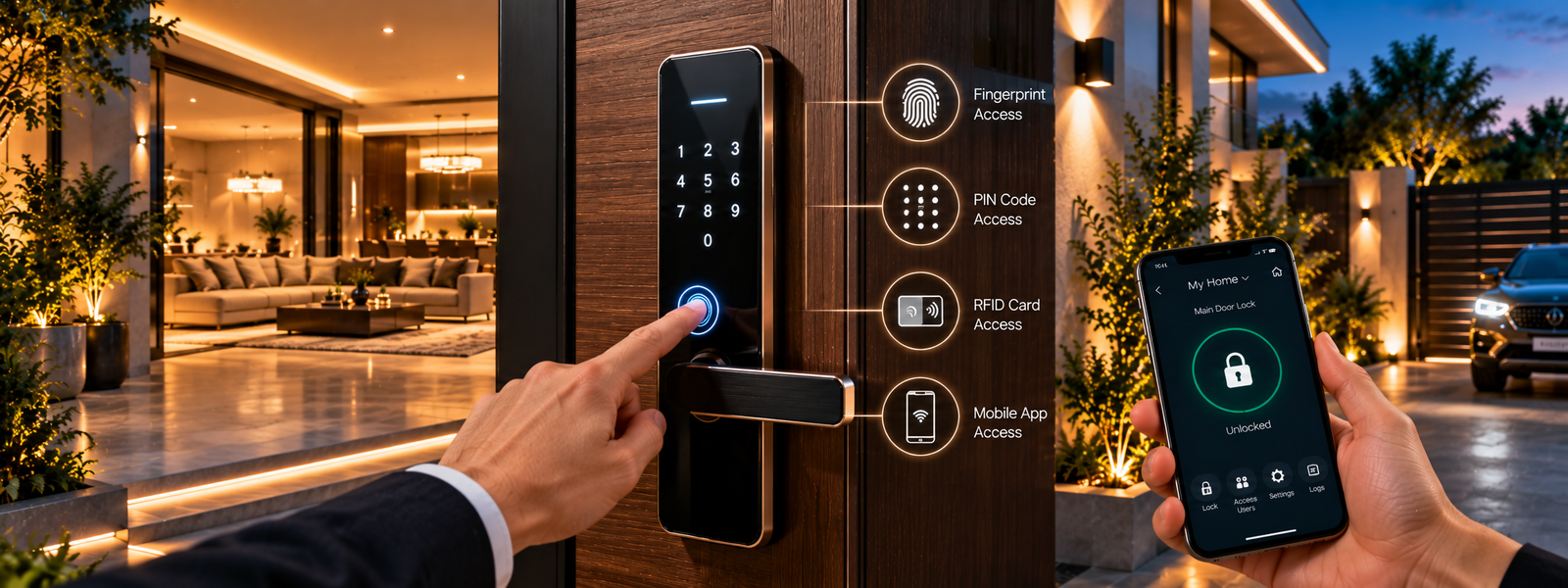
Digital door locks replace or supplement conventional key-based access with electronic access methods. Depending on the model, access may include fingerprint, PIN/password, RFID/card, smartphone access or a mechanical key backup.
Digital locks can provide sophisticated electronic access control, but security depends on the quality of the lock, installation, credentials, configuration and overall security practices. SmartStar recommends selecting the lock according to the door type, security requirements, usage, number of users, required access methods and exposure conditions.
Possibly. The door may need to be checked for thickness, material, existing lock cut-out, locking mechanism, handle configuration and available installation space.
Digital locks typically have emergency access or recovery provisions, but these vary by model. The exact emergency method should be confirmed for the selected lock before purchase.
Yes. Digital locks are commonly suitable for apartment entrances, subject to compatibility with the specific door.
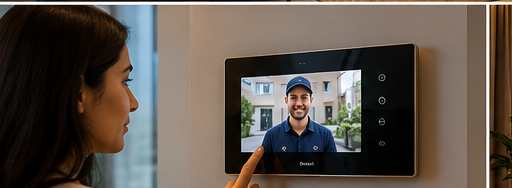
A typical system includes an outdoor camera/intercom unit and an indoor monitor. Additional functions depend on the selected system.
Apartments, villas, independent homes, offices, clinics, commercial spaces and gated properties.
Depending on compatibility, a video door phone can potentially work with access-control solutions. A typical experience can be: visitor arrives → you see the visitor → communicate → authorize access. The exact integration depends on the selected products.
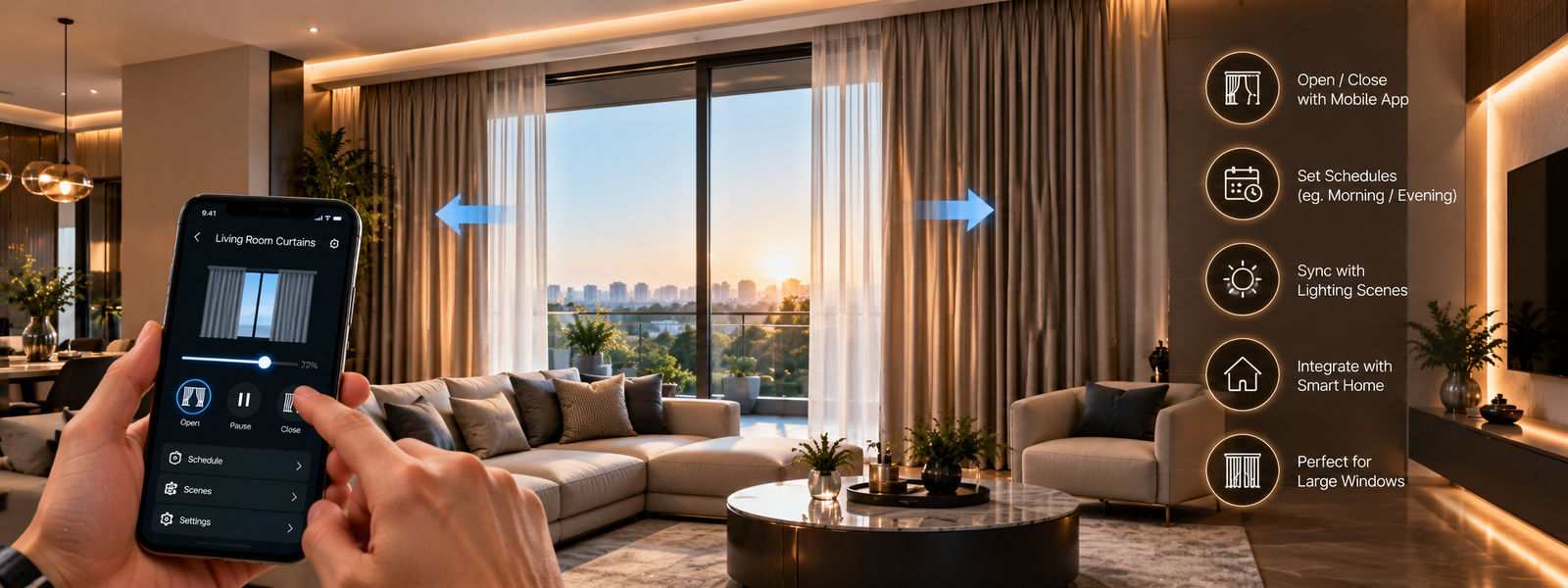
Motorized curtain solutions bring electronic control to curtains, particularly useful for large windows and floor-to-ceiling installations.
In many cases, yes, depending on the curtain track, curtain weight, available power, motor compatibility and installation space. A site assessment helps determine the right solution.
Depending on system compatibility, curtains and lighting can be coordinated.
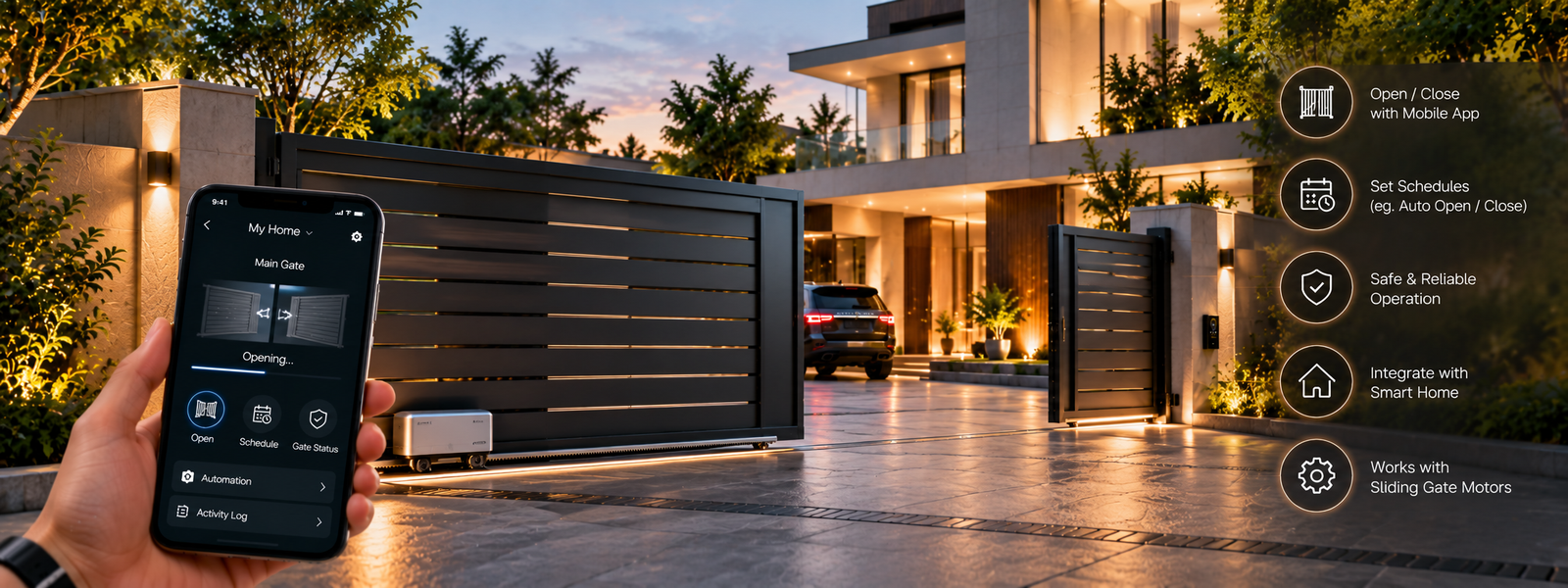
Gate automation allows suitable gates to open and close using an automated motor system. It is particularly useful for villas, independent homes and commercial properties.
The motor must be selected according to gate weight, size, movement, usage frequency and mechanical condition.
Often yes, provided the existing gate is mechanically suitable. The gate should be inspected before selecting a motor.
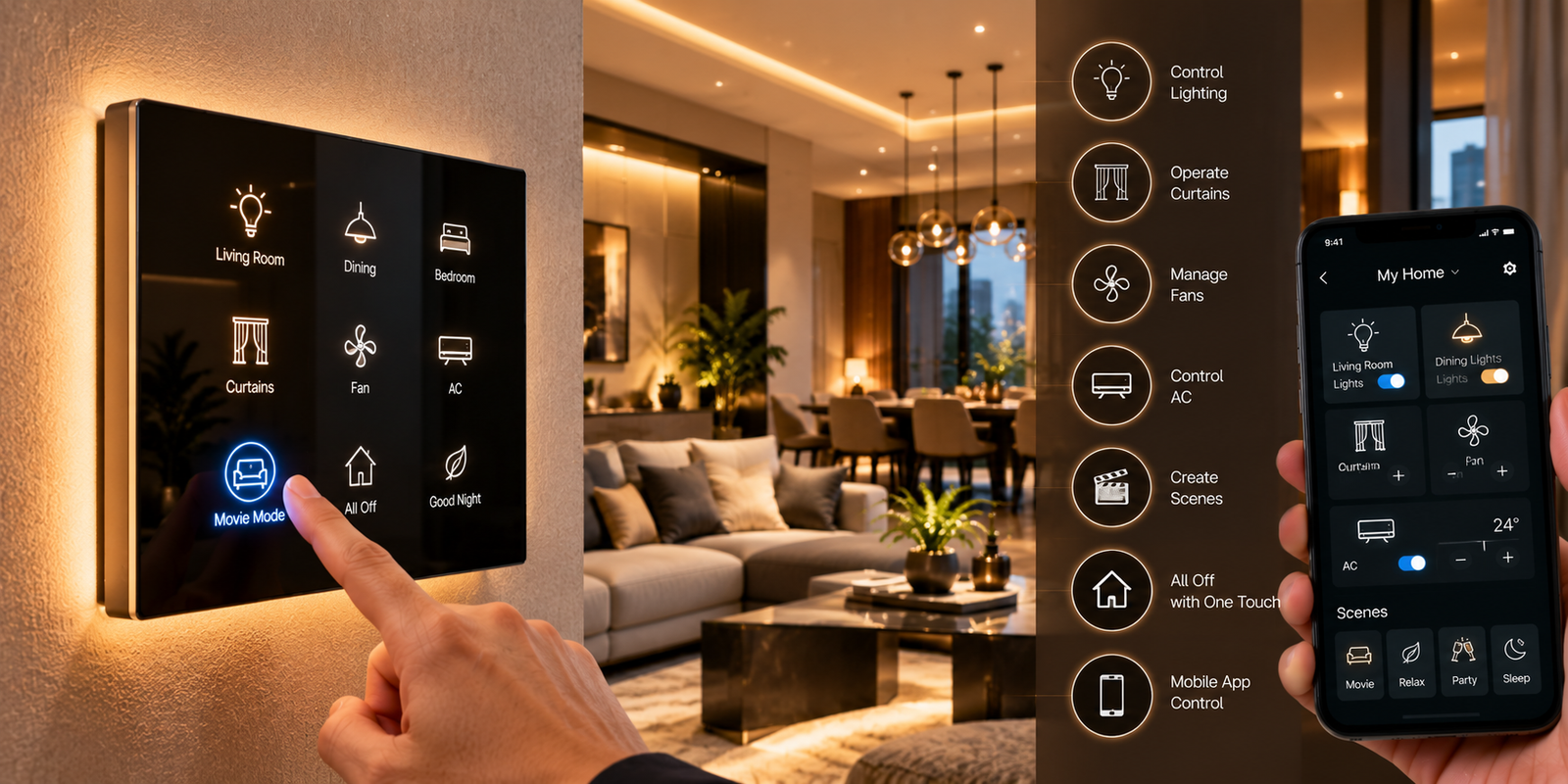
Smart touch panels provide a modern electronic interface for controlling compatible lighting and other devices.
This depends on the existing switch boxes, wiring, neutral availability where required, product specifications and electrical configuration. A technical assessment is recommended.
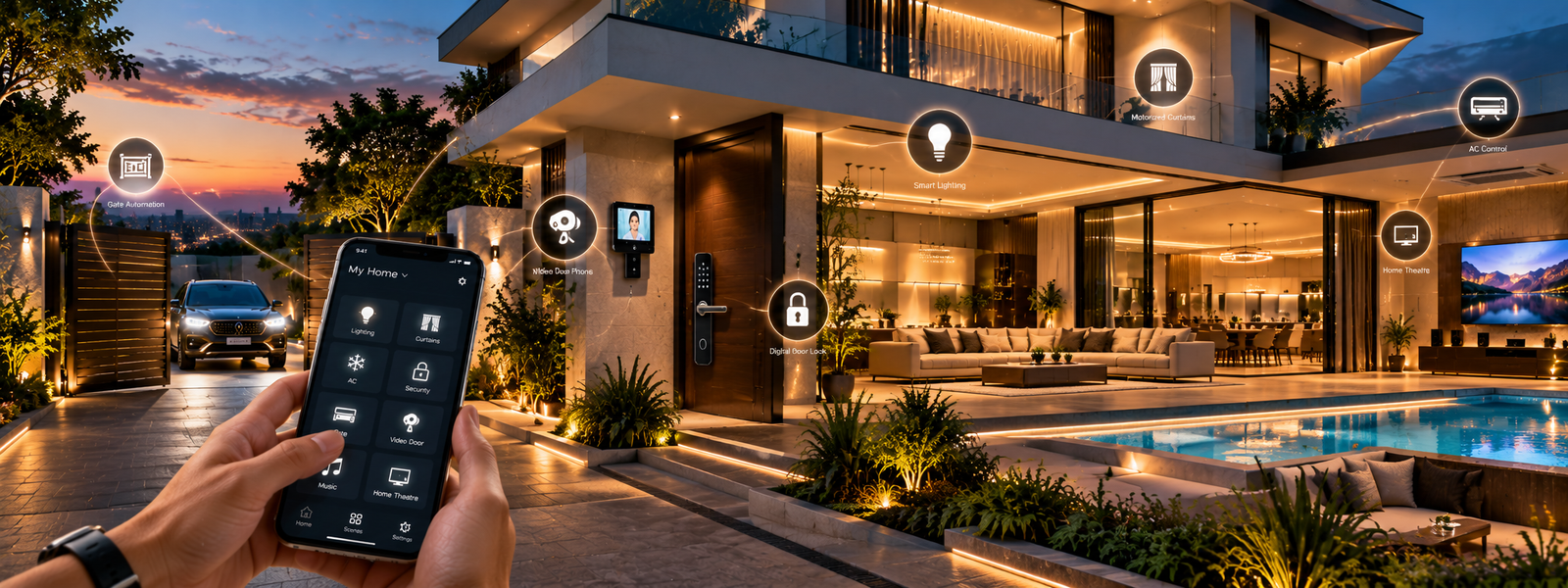
Complete home automation brings multiple automation categories together. Instead of treating lighting, security, curtains and entertainment as separate systems, compatible solutions can be designed to work together.
A smart scene combines multiple actions into a single command or routine.
Curtains close, selected lights dim, other lights switch off and compatible entertainment equipment can activate.
Curtains open, selected lights activate and other compatible devices respond according to the configured routine.
Selected lights switch off, curtains close and other compatible devices respond according to the configured routine.
No. Customers can start with basic automation and gradually add comfort, security, entertainment and other functions.
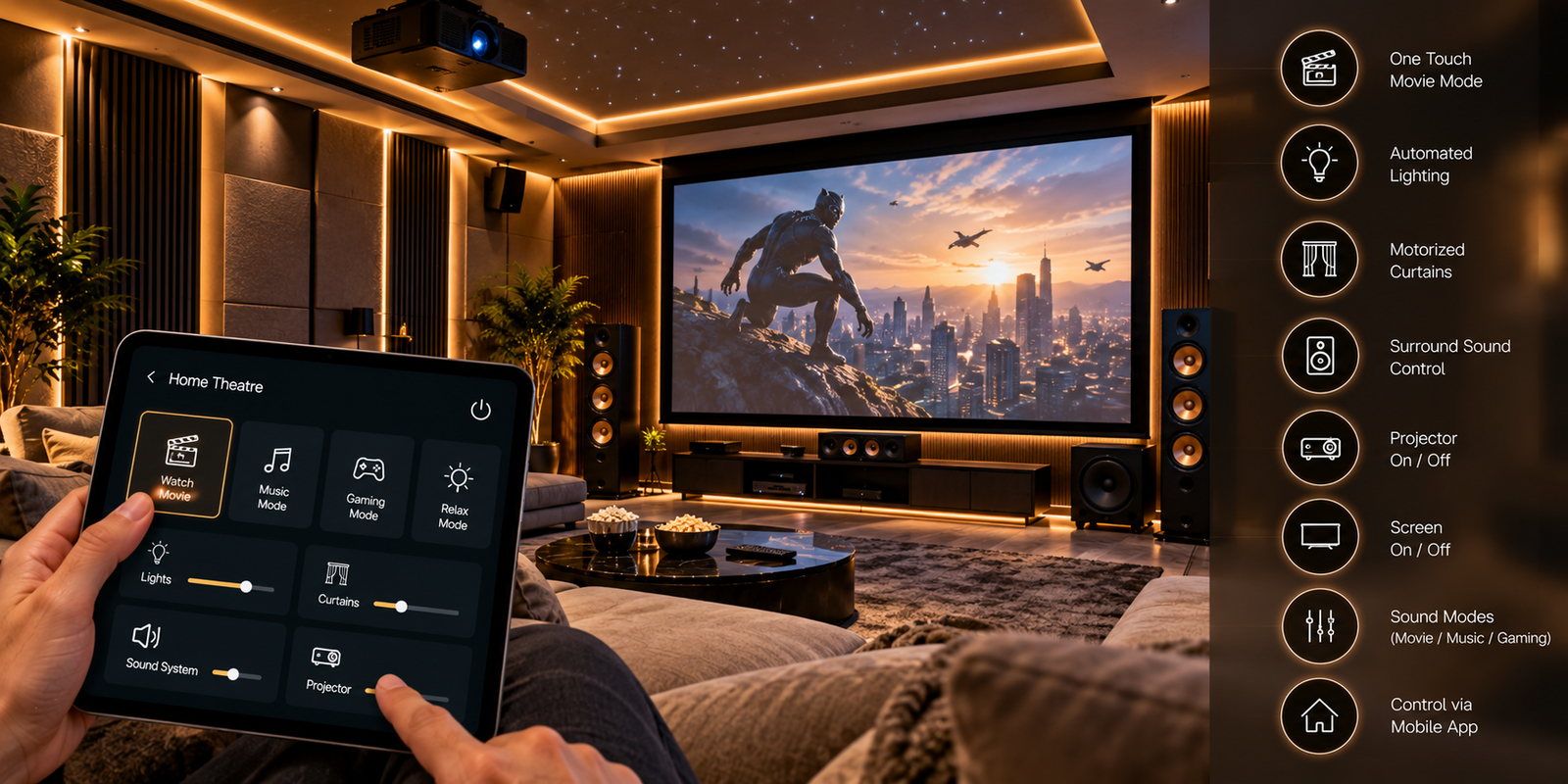
Home theatre automation coordinates compatible lighting, curtains and entertainment equipment to create a more immersive experience.
Close curtains → dim lights → activate selected equipment → start your movie. Exact functionality depends on equipment compatibility.
Potentially, yes. SmartStar can evaluate your TV/projector, AV receiver, speakers, media player, curtains, lighting and existing control systems to determine what can be integrated.
The bedroom is one of the best places to introduce automation because many functions can be controlled without leaving the bed.
Curtains open → selected lights activate → the room transitions into morning mode.
Main lights dim → ambient lighting remains → curtains adjust.
Selected lights switch off → curtains close → other compatible devices respond.
Apartments are a practical place to introduce automation because homeowners can automate the areas they use most.
Yes. This can be an excellent time to plan automation. When the apartment is still under electrical/interior work, it may be easier to coordinate switch locations, wiring requirements, curtain provisions, network points, door locks and entertainment requirements.
Yes, depending on the selected solutions and existing infrastructure. A site assessment can determine what can be installed with minimal modification.
You can begin with smart switches and a digital lock, then add motorized curtains, video door phone, additional lighting scenes, gate automation and entertainment as required.
Office automation brings smart technology into professional environments. The objective is to make everyday operations more convenient and create a better working environment.
A compatible system can coordinate lighting, curtains/blinds, displays and other connected devices through predefined scenes. Exact functions depend on the equipment and integration.
Corporate offices, startups, boardrooms, meeting rooms, clinics, showrooms, commercial buildings and professional offices.
One of the biggest mistakes customers can make is buying individual products without first understanding how they will work together. SmartStar follows a consultation-first approach.
Determine which areas should be automated and how they can work together.
Products are selected according to requirement, compatibility, design, functionality, budget and installation conditions.
The customer receives a solution-specific quotation rather than a generic package.
The selected products are installed and configured.
Customers are shown how to use their new system.
SmartStar remains available for post-installation assistance according to applicable product and service terms.
Yes — but it depends on the automation architecture and the products selected. This distinction is important because 'no internet' and 'no network' are not the same thing.
Internet is the connection from your home to online services. A local network is the connection between devices inside your home, typically through a router or other local networking equipment.
Some automation systems can keep selected functions running locally inside the home even when the internet connection is unavailable. In such systems, local control, scenes or schedules may continue to operate without access to cloud services. Other systems depend more heavily on cloud connectivity and may lose some or all smart functions when internet access is unavailable.
If the local Wi-Fi network is operating but the internet connection is unavailable, compatible local-control systems may continue to work within the home. However, remote access from outside the home and cloud-dependent features may not work.
If the local network is unavailable, network-dependent controls may stop working. Traditional physical switches or locally wired controls may continue to work where the electrical design supports them.
Automation devices generally require electrical power. If the home has no power, powered smart switches, hubs, motors and other electronic devices cannot operate unless the relevant equipment is connected to an appropriate backup power system. Battery-powered devices may continue operating according to their design.
The right architecture depends on the customer's priorities. For customers who want reliable local operation, we can evaluate solutions that support local control and local automation where available. For customers who value remote access and cloud features, internet connectivity may be important.
Do not choose a smart-home system only because it has a mobile app. Ask how the system behaves during internet loss, local-network failure and power failure. A well-planned system should match the customer's expectations for convenience, local control, remote access and reliability.
Yes, depending on the existing electrical infrastructure and the automation solution selected.
Not necessarily. Requirements depend on the selected technology and existing wiring.
Many smart-home products use network connectivity, but requirements vary by product and system.
Compatible systems may allow remote control through an internet connection.
Many modern automation systems provide smartphone control for compatible devices.
Voice control can be available with compatible products and supported voice-assistant platforms.
The answer depends on the system architecture. Some local functions can continue while internet-dependent functions may not be available.
Yes. You can start small and expand later, subject to compatibility.
Yes.
Yes.
Yes.
Yes.
Yes, provided the curtain system and installation conditions are suitable.
Often yes, provided the gate is mechanically suitable.
Yes, provided the additional products are compatible with the existing system.
Security depends on the products, network, configuration and user practices. SmartStar recommends reputable products, secure credentials and appropriate network security.
Most systems are designed for everyday use, but maintenance requirements depend on the products and installation. Hardware, batteries, motors and network components may require attention over time.
There is no single price. Cost depends on the number of rooms, devices, automation level, installation requirements and products selected.
SmartStar can provide installation coordination for the solutions supplied, subject to the specific project and product.
Support is provided according to the applicable product and service terms.
Warranty varies by product and manufacturer. The applicable warranty should be confirmed in the quotation/product documentation before purchase.